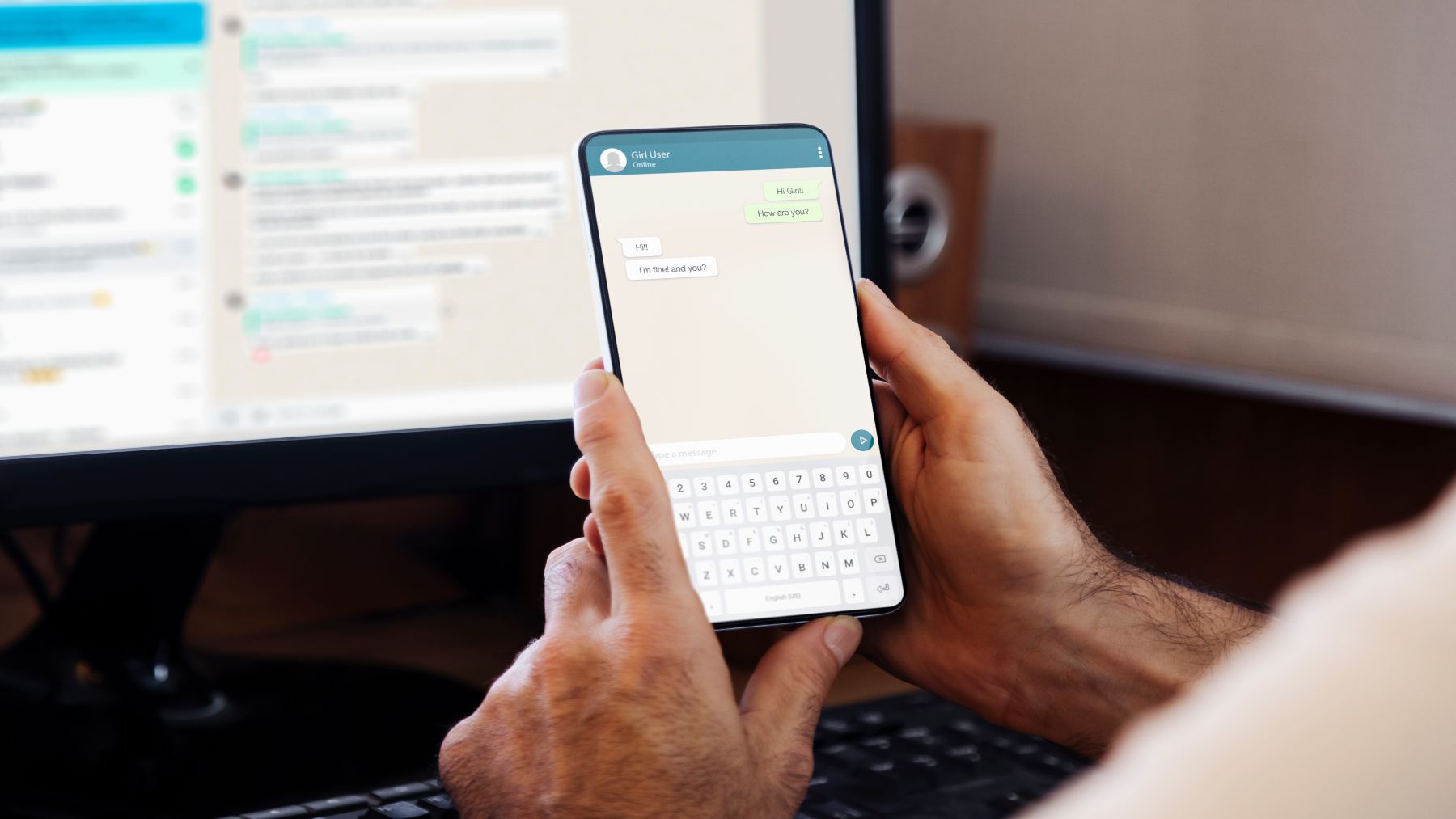
WhatsApp is probably the most widely used communication app, so all its updates impact millions of users. WhatsApp has begun rolling out a new storage management feature that will allow users to clean up files and free up space without leaving a conversation. WhatsApp is likely the app that consumes the most time for regular mobile phone users, but it’s also the one that takes up the most mobile storage space.
Sometimes, we delete a lot of this data without realizing that it isn’t completely erased, as it simply ends up in the trash
The new option, called “Manage Storage,” was discovered in beta versions for iOS and Android and aims to simplify the process of deleting large files within the app. Sometimes, we delete a lot of this data without realizing that it isn’t completely erased, as it simply ends up in the trash. Therefore, to optimize your device’s performance, it’s essential to empty the WhatsApp trash regularly.
Emptying the trash is therefore essential. The easiest way to do this is to follow these steps. First, make sure the app is updated to its latest version, as some features may vary slightly depending on the version. With the latest update, the service moves control directly to the information screen of each chat, allowing users to manage files without leaving the conversation. This change represents a structural shift in the user experience. The feature allows you to quickly identify the chats that are consuming the most space, offering a detailed view of the shared files, whether they are photos, videos, or documents.
As is the case on many iOS phones, when you delete a photo, it appears in the Deleted Items folder
Therefore, following these steps, once you access the application, on the main WhatsApp screen, you will see three vertical dots in the upper right corner of the screen. Click on these three dots to open a menu, and select the “Settings” option. Within the settings menu, select the “Storage and data” option. Then, access “Manage storage,” where you will be able to see a detailed breakdown of how space is being used on your device and which files are taking up the most space.
Finally, once you’re in the “Manage Storage” option, look for the “Trash” section. Here you’ll see all the files you’ve recently deleted that are still taking up space on your phone. This is because, as is the case on many iOS phones, when you delete a photo, it appears in the Deleted Items folder and will remain there for 30 days until it’s automatically deleted or you delete it manually.
This new feature will be a huge hit, especially for those who are in multiple WhatsApp groups
In any case, the new option that allows direct access from the chat is still in testing mode. The new system was detected in versions 25.31.10.70 for iOS and 2.25.31.13 for Android. Both are in testing mode, which suggests that the feature could still undergo adjustments before reaching the stable version. When phones accumulate large volumes of images, videos, or documents, the operating system can slow down. With this tool, WhatsApp aims to reduce data usage and improve overall phone speed.
In any case, if you’re experiencing any storage issues on WhatsApp or your smartphone, it’s important to resolve them as soon as possible, as this can lead to your phone malfunctioning. This excess storage is due to the increasing number of photos, videos, and files we accumulate thanks to the ease of taking pictures these days. Although the feature is still in beta, its global rollout is expected to be gradual, as Meta typically does with new WhatsApp features. Clearly, this new feature will be a huge hit, especially for those who are in multiple WhatsApp groups or use the app for work.